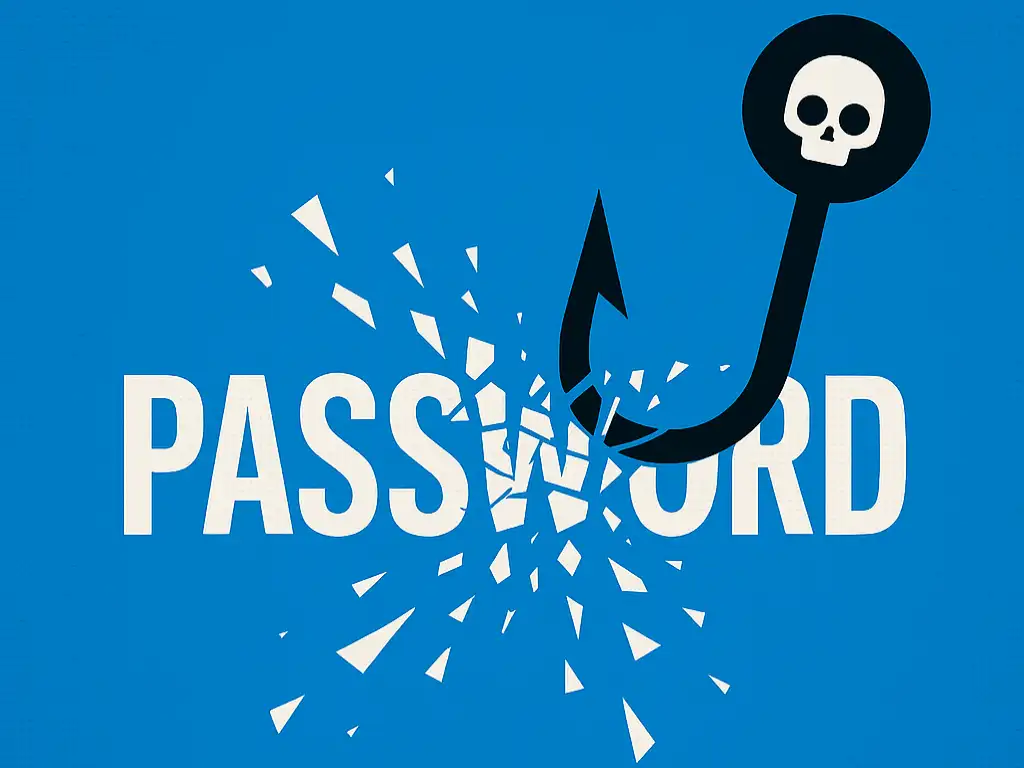
For many small businesses, cybersecurity feels like something only big companies need to worry about. But the reality is very different. Small businesses are now one of the most common targets for cyber‑attacks. Not because they’re high‑value, but because they’re easier to breach.
And the number one entry point for attackers? Weak or reused passwords.
If you use simple passwords, repeat the same login across multiple tools, or store credentials in spreadsheets or notebooks, your business is at risk. The good news is that strengthening your password practices is one of the simplest, most cost‑effective ways to protect your organisation.
Here are some essential steps every small business should take.
Password Security Matters for Small Businesses
A single compromised password can lead to:
-
Unauthorised access to email accounts
-
Leaked customer information
-
Locked or deleted files
-
Financial fraud
-
Ransomware attacks
-
Damage to your reputation
Small businesses usually don’t have dedicated IT teams, which means attackers know they’re less likely to have strong defences in place. That’s why password hygiene is such a powerful first line of defence.
What Makes a Strong Password?
1. Length is the real strength
A long passphrase such as Super‑Tech‑3attery‑Libertine is far more secure than a short, complex password like P@ssw0rd!
Try to use 16 characters or more.
2. Every password must be unique
If one login is breached, attackers will try the same password across:
-
Email
-
Accounting software
-
CRM systems
-
Cloud storage
-
Social media
-
Internal tools
This is how small businesses get compromised without ever realising a breach happened elsewhere.
3. Avoid predictable patterns
Attackers know all the common tricks:
A strong password is long, random, and never reused.
You should Use a Password Manager
Expecting you to remember dozens of long, unique passwords is unrealistic. A password manager solves this problem instantly.
Benefits for small businesses
-
Generates strong passwords automatically
-
Stores them securely in one place
-
Auto‑fills login details to reduce errors
-
Allows secure sharing of credentials within teams
-
Removes the need for spreadsheets, sticky notes, or guesswork
-
Helps onboard and off-board any staff or collaborators safely
For small teams, a password manager is one of the highest‑impact security tools you can adopt.
Back Up Your Password Vault... It’s Critical
Your password manager becomes the gateway to your entire business. Losing access to it would be catastrophic.
Make sure you:
-
Enable automatic backups
-
Store backups in more than one location
-
Keep an offline copy if possible
-
Test restoring from a backup periodically
This ensures your business can recover quickly if something goes wrong.
Secure Remote Access With a Private VPN
Many small businesses now work remotely or use cloud‑based systems. If your team connects from cafés, hotels, or shared spaces, their traffic can be intercepted.
A private VPN using a modern protocol like WireGuard creates an encrypted tunnel between your team’s devices and your business systems.
Why this matters for small businesses
-
Protects sensitive data on public Wi‑Fi
-
Prevents eavesdropping and interception
-
Allows secure access to internal tools
-
Reduces reliance on third‑party VPN providers
It all sounds technical, but really it's a simple, affordable way to protect remote workers.
Enable Two‑Factor Authentication (2FA) Across Your Business
Even the strongest password can be stolen. Two‑factor authentication adds a second layer of protection.
Best options for small businesses
Enable 2FA on:
This single step dramatically reduces the risk of unauthorised access.
Security Is a Business Habit, Not a One‑Off Task
Small businesses don’t need enterprise‑level budgets to stay secure. You just need strong, consistent habits:
-
Use long, unique passwords
-
Store them in a password manager
-
Back up your vault
-
Protect remote access with a VPN
-
Enable 2FA across your organisation
These simple steps protect your data, your customers, and your reputation — and they’re easy to implement.
Hey, I really could do with your help! If you find this article interesting, could you please do me a favour by either sharing it on your site or on social media. I would love to hear yours and other peoples' thoughts on this subject. And if this or any other content on the site has helped you and you would like to show your appreciation, then you can always
buy me a coffee ☕️ It would make the time I put into this more than worthwhile! Thank you 😃
